Cell Detector
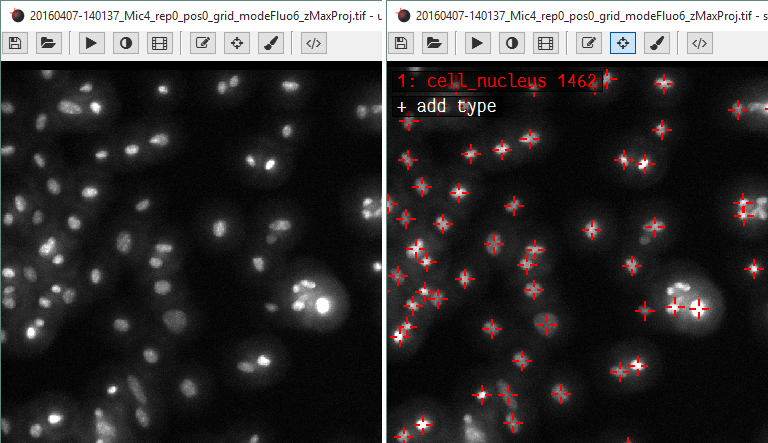
An image of cell nuclei before and after executing the Cell Detector addon.
This add-on is designed to take a microscope image of fluorescently labeled cell nucleii and find the coordinates of every cell.
To use it, open a ClickPoints session and add the add-on CellDetector.py by clicking on  .
.
Start the cell detector script by using F12 (or the key the script is connected to). All found cell nucleii will
be labeled with a marker.
Attention
The Cell Detector won’t work for cells which are too densely clustered. But ClickPoints allows you to review and adjust the results if some cells were not detected.